Google Business Profile Updates: AI Review Highlights & Direct WhatsApp Messaging Button
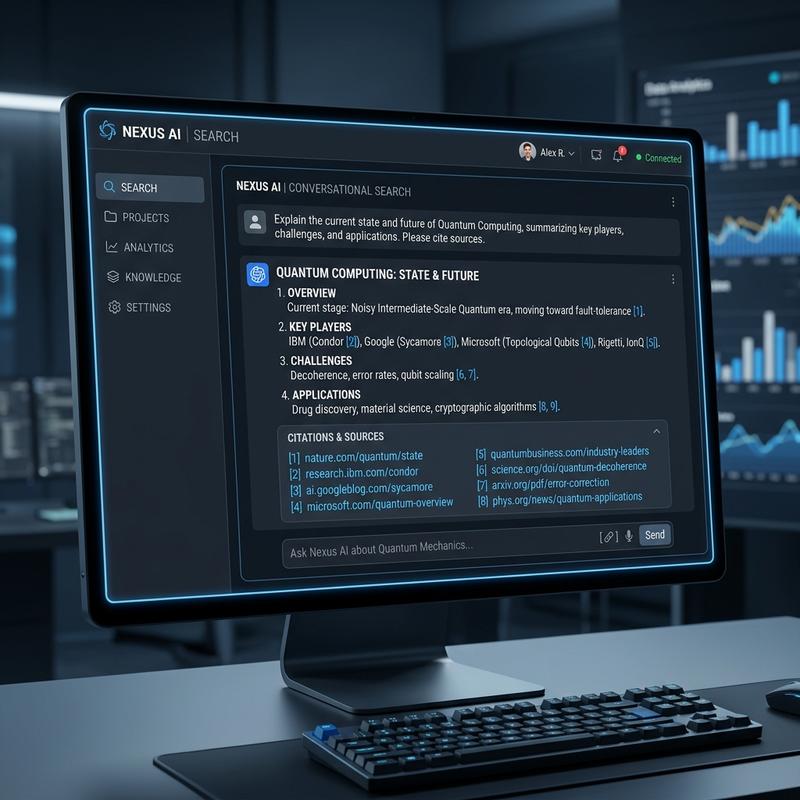
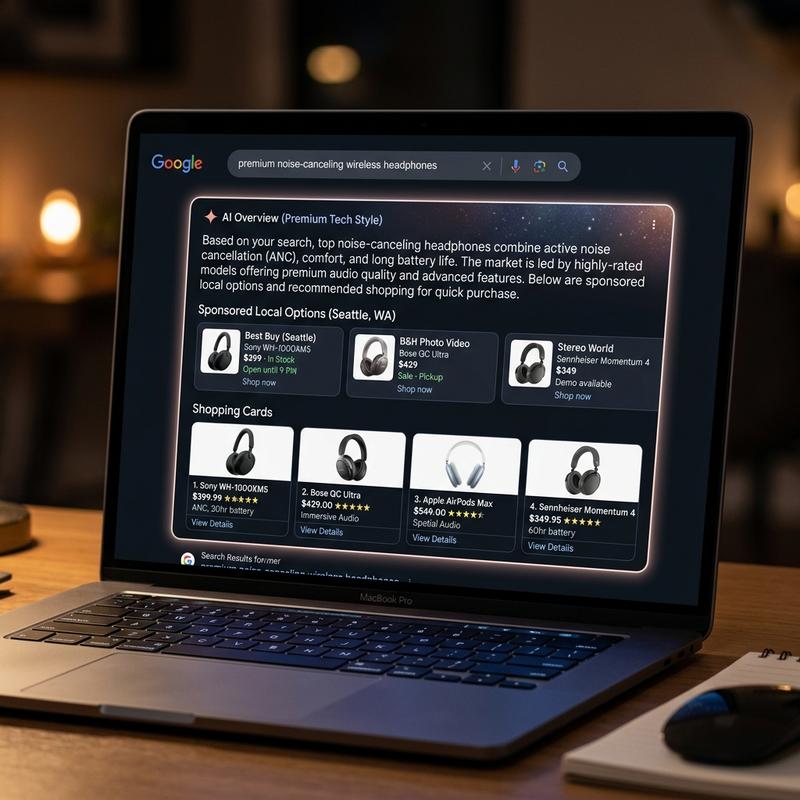
Google has rolled out a significant feature update for Google Business Profiles (GBP) in India, adding Gemini AI-powered review summarization and an official direct WhatsApp Click-to-Chat button in local Google Maps search results.
When prospective clients in Indore search for *'best skin doctor in Vijay Nagar'* or *'UPSC coaching near me'*, Google now displays an instant AI-generated summary of client feedback alongside a prominent WhatsApp chat button.
What's New in Google Business Profile (August 2026)
* AI Review Snippets: Gemini AI parses all your customer reviews to generate key sentiment tags (e.g., *'High Success Rate in Exams'*, *'Clean Clinic & Punctual Appointments'*).
* Instant WhatsApp Integration: Business owners can connect their WhatsApp Business number directly to the local pack listing, allowing users to start a conversation with 1 tap.
* Local Area Service Verification: Google uses location pins to confirm local presence in specific commercial corridors like Bhawarkua, Vijay Nagar, and New Palasia.
Why This Matters for Indore Businesses
| Feature | Old GMB Listing | New AI-Enabled GBP Listing |
|---|---|---|
| Review Reading | Users had to scroll through dozens of individual reviews | AI generates a 3-bullet summary of overall customer feedback |
| Lead Contact | Phone call or website visit only | Instant WhatsApp chat directly from Google Search |
| Conversion Speed | High drop-off rate on mobile | Up to 45% faster lead qualification |
Step-by-Step Setup Guide
1. Log into your Google Business Profile Dashboard.
2. Go to Edit Profile > Contact Information > Messaging Channels.
3. Add your verified WhatsApp Business mobile number (`+91 81032 02086`).
4. Turn on Allow AI Highlights under the Reviews settings tab to enable automatic Gemini sentiment summarization.