How to Build a Custom Automated WhatsApp CRM using n8n
In 2026, the speed of lead follow-up determines who gets the sale. According to industry data, responding to a B2B or clinical lead within 5 minutes increases conversion rates by over 300%. Unfortunately, most local businesses in Indore take hours to reply to new inquiries, resulting in lost sales to faster competitors.
In this guide, we will show you exactly how to build a fully automated, 24/7 WhatsApp CRM using n8n (an open-source workflow automation platform).
Why Use n8n for WhatsApp Automation?
While platforms like Make.com are great, n8n offers significant advantages for developers and growing agencies in Indore:
1. Self-Hostable: You can run it on your own server (e.g., VPS) with zero monthly execution fees.
2. Advanced Logic: Native JavaScript code support within nodes.
3. No Lock-in: Full ownership of your workflows.
| Feature | n8n.io (Self-hosted) | Make.com | Traditional CRMs |
| :--- | :--- | :--- | :--- |
| Setup Cost | Free (Open-Source) | Free Tier / Paid | High Monthly Fees |
| Execution Limit| Unlimited (VPS bound) | Limited by operations| Fixed limits |
| Data Privacy | 100% Secure (Own server) | Third-party cloud | Hosted cloud |
Step-by-Step Workflow Setup
Here is the exact automation architecture we deploy for local healthcare clinics and coaching centers in Indore:
Step 1: Trigger Node (Facebook Lead Ads or Webhook)
The workflow starts when a new user submits a lead form on Facebook/Instagram or fills a contact form on your website.
* Connect a Webhook Node or a dedicated Facebook Lead Ads Trigger node.
Step 2: Google Sheets / CRM Sync
Save the lead data instantly in a central location before processing.
* Add a Google Sheets Node to append the row containing `Name`, `Phone`, and `Service Required`.
Step 3: Format Phone Number
WhatsApp Business API requires numbers in strict E.164 format (e.g. `+918103202086` for India).
* Use an n8n Set Node or a simple JavaScript line to clean up spaces and prepend `91` if missing:
```javascript
const cleanPhone = item.phone.replace(/\D/g, "");
return cleanPhone.startsWith("91") ? cleanPhone : "91" + cleanPhone;
```
Step 4: WhatsApp Message Dispatcher
Now, connect your WhatsApp Business API provider (such as Cloud API, Wati, or Twilio).
* Use the HTTP Request Node to send a POST request with the template payload:
* Header: Authorization Bearer Token.
* Body: JSON matching the template variables (e.g., `Dear {{Name}}, thank you for booking a skin consultation...`).
Step 5: Conditional Follow-Up (Wait Node)
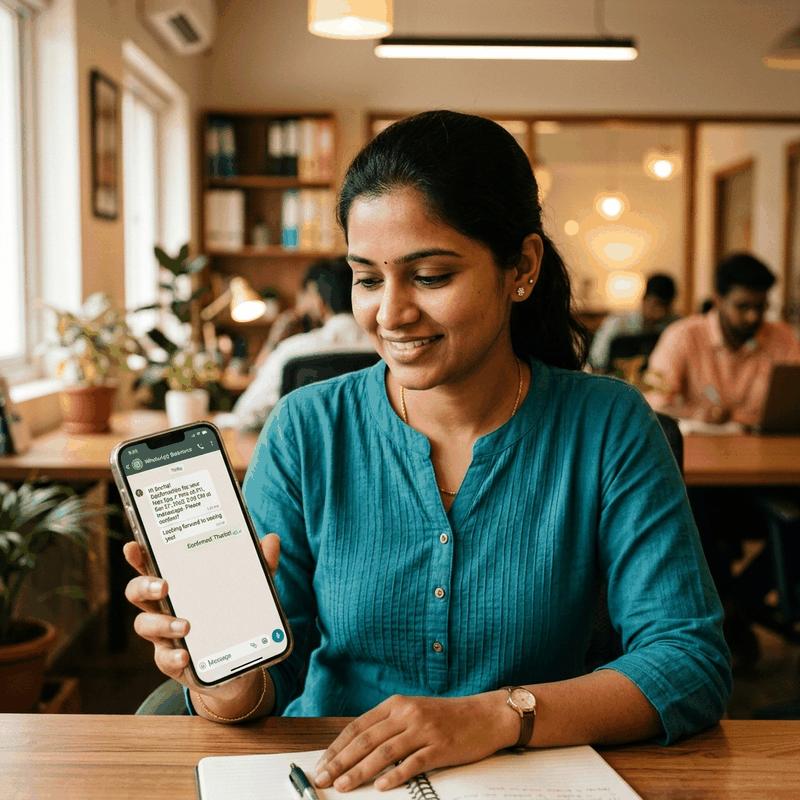
If the user doesn't respond or book an appointment within 24 hours, send a gentle automated reminder.
* Add an n8n Wait Node set to `24 hours`.
* Follow up with a second message containing a calendar scheduler link (like Cal.com).
Conclusion
Setting up an automated WhatsApp CRM with n8n ensures that no lead is left behind. If you want to scale your patient walk-ins in Indore without hiring more sales staff, this is the single best investment you can make.